How to find your Microsoft Entra tenant ID
The Tenant ID, also known as the Directory ID, uniquely identifies your organization's Microsoft Entra tenant. You may need this identifier when configuring the Microsoft Teams Operator Connect service.
You can find your Tenant ID using:
- the Microsoft Entra admin center
, theAzure portal.
Microsoft Entra admin center
-
Sign in to the Microsoft Entra admin center using an account with at least the Global Reader role.
-
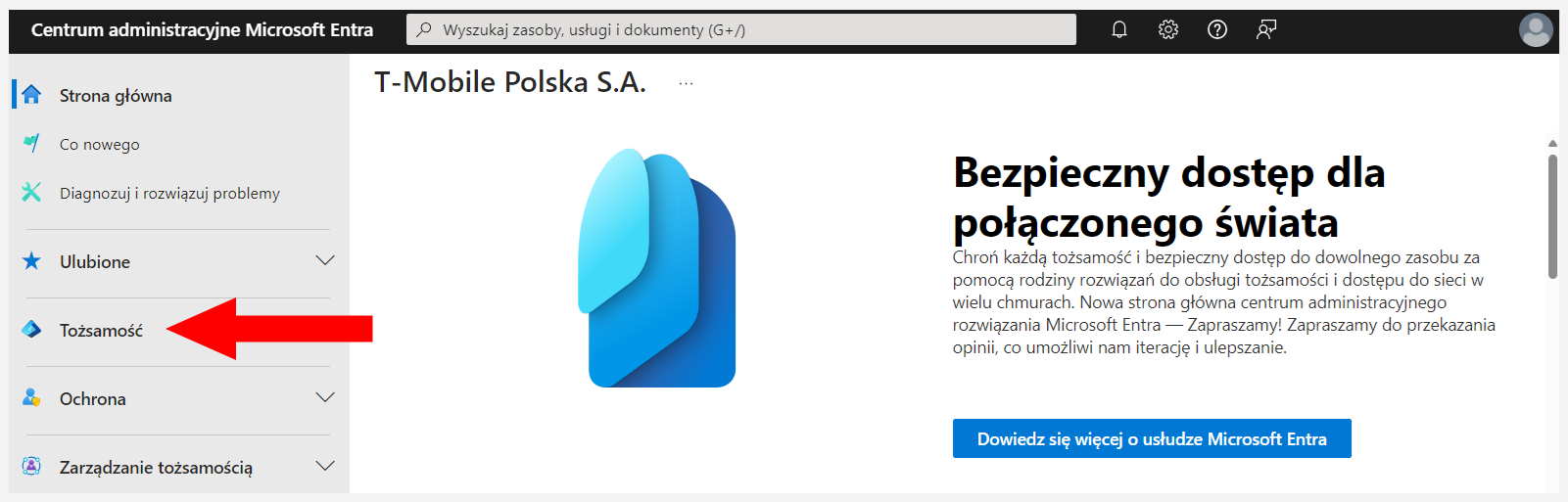
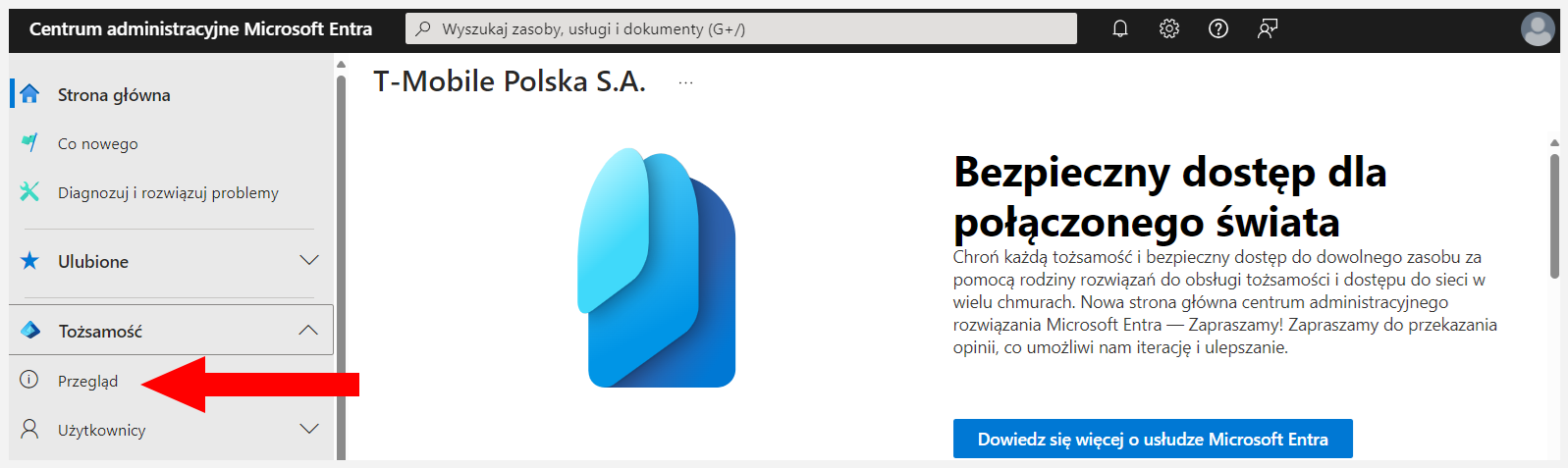
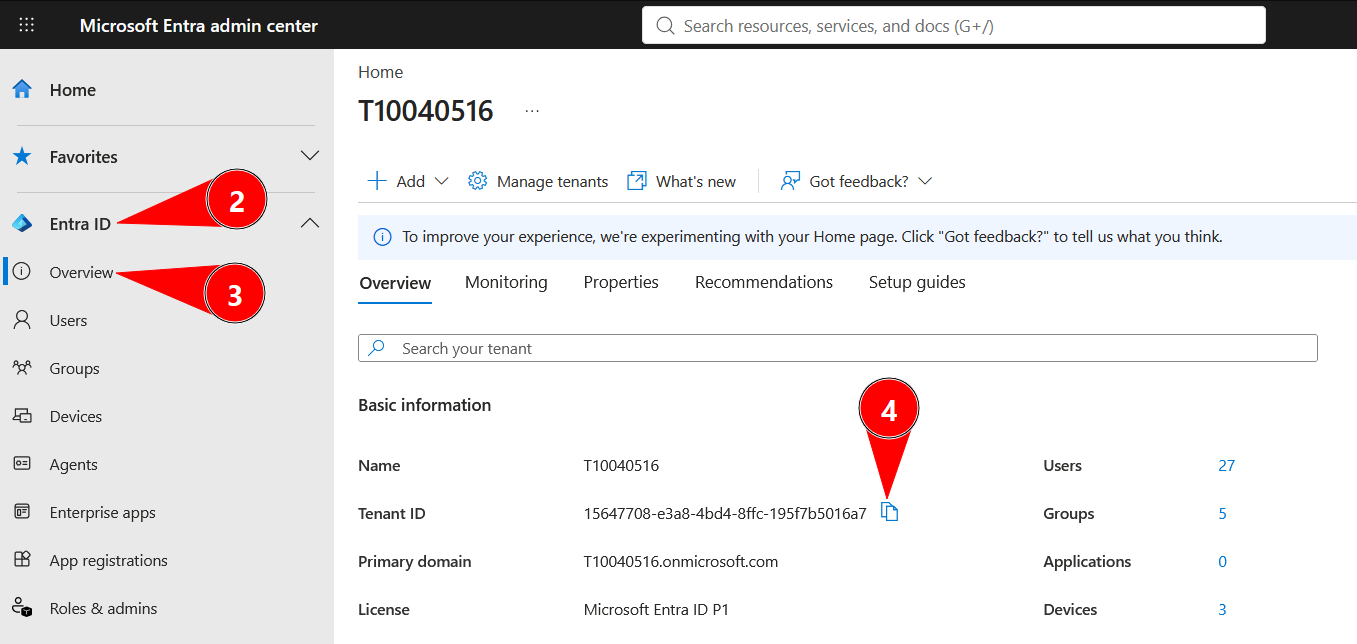
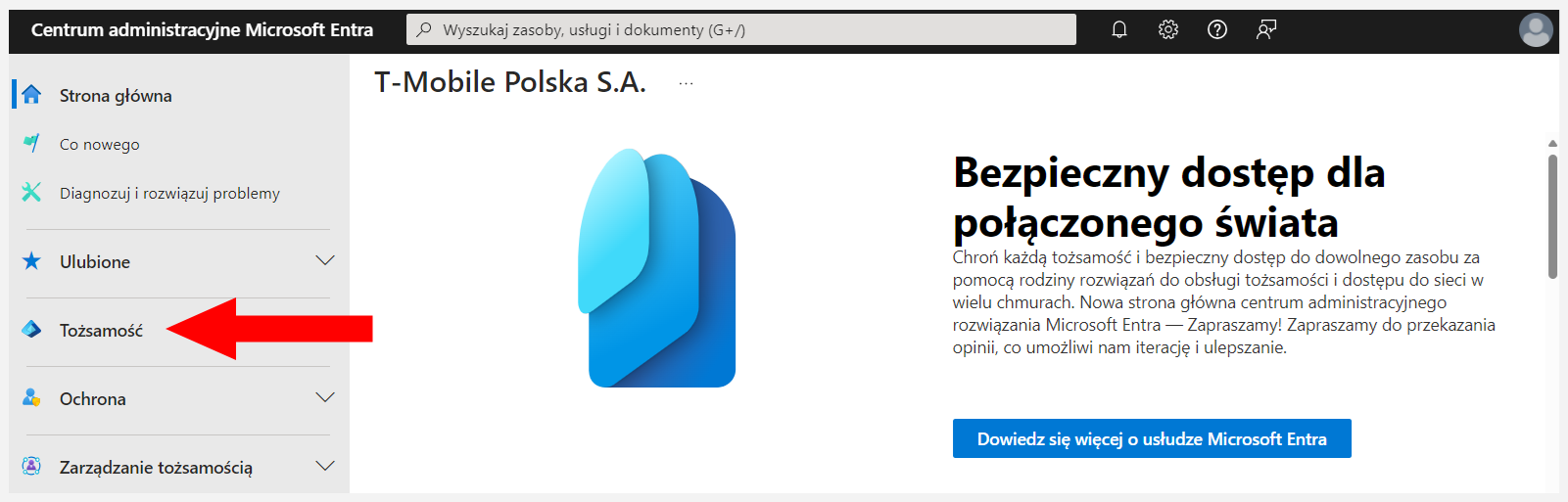
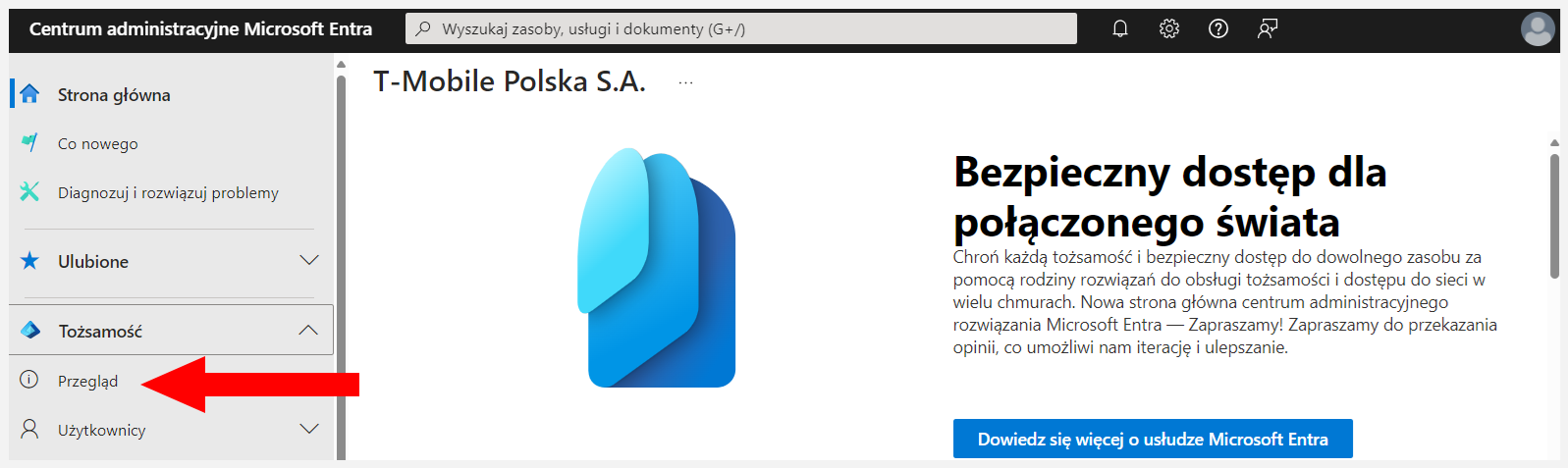
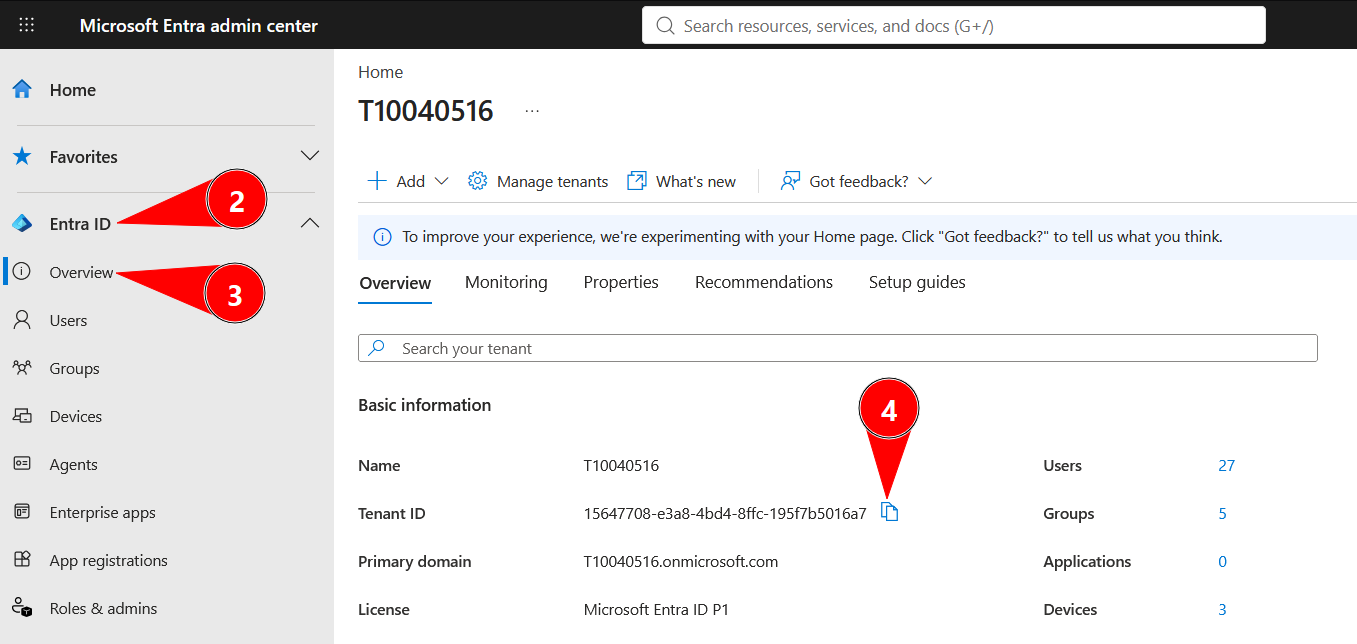
In the left-hand navigation menu, select Entra ID.
-
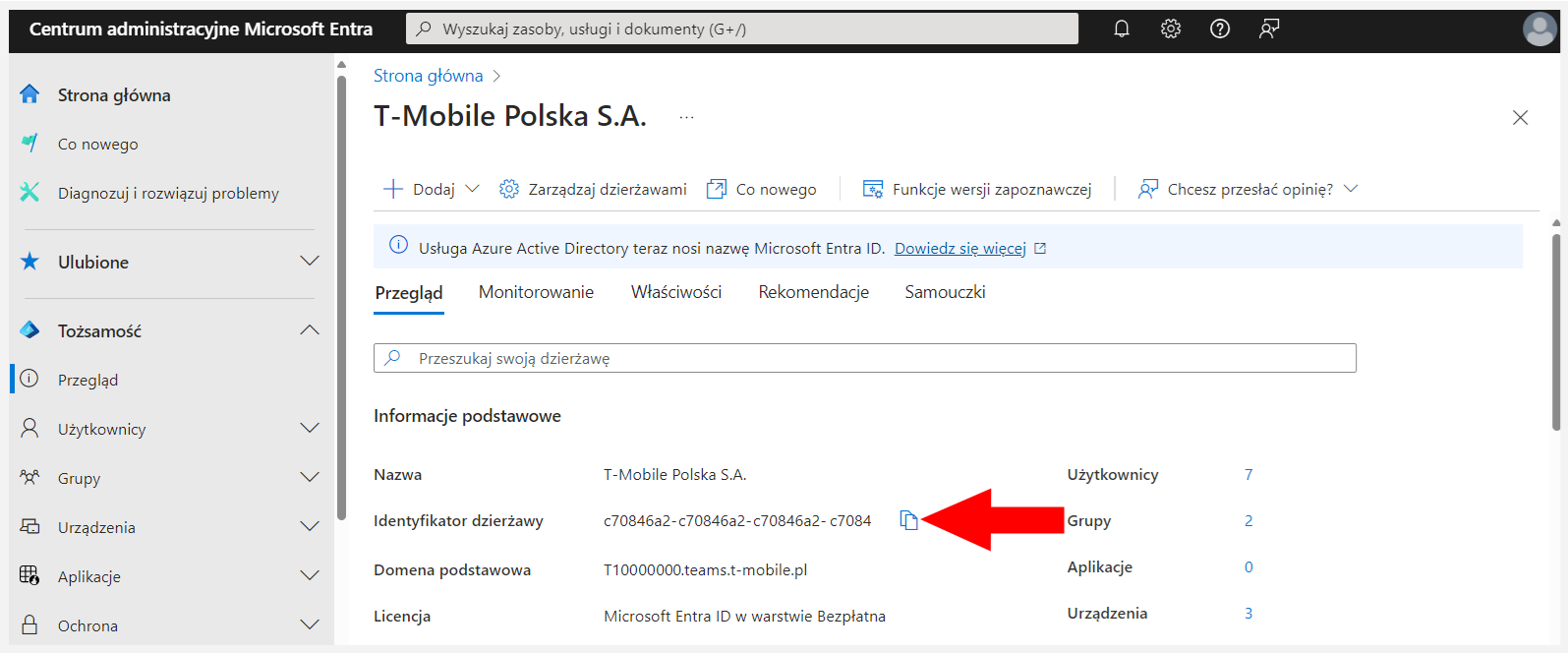
Select Overview, and then select Properties.
-
Scroll to the Tenant ID section. You can copy the Tenant ID and use it when configuring the Microsoft Teams Operator Connect service.
Azure portal
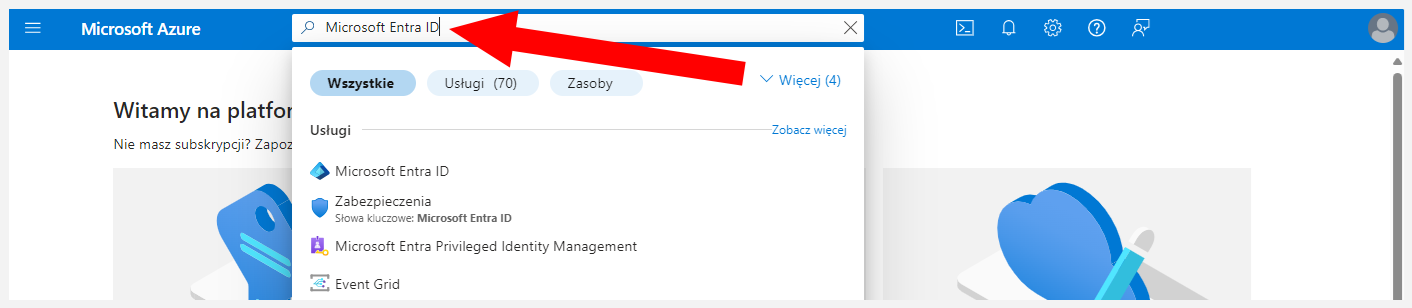
Sign in to theAzure portal.Use the search box to find and openMicrosoft Entra ID.If your account has access to more than one tenant, make sure that you are working in the correct directory before copying the Tenant ID.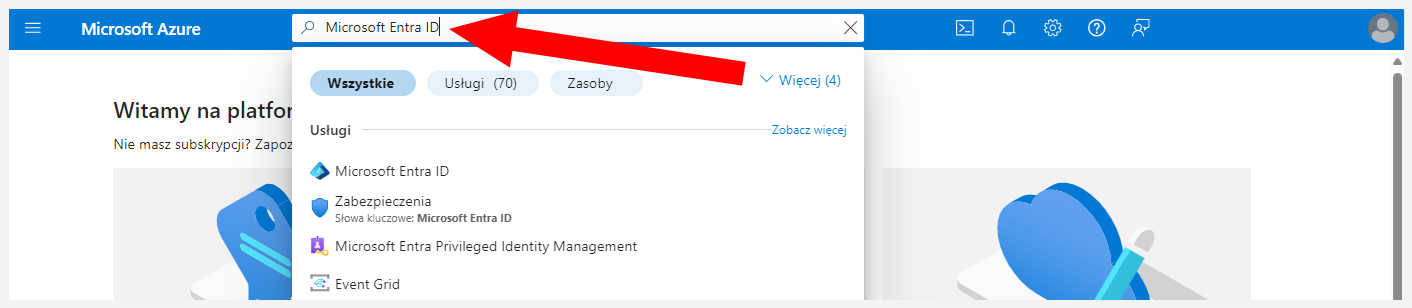
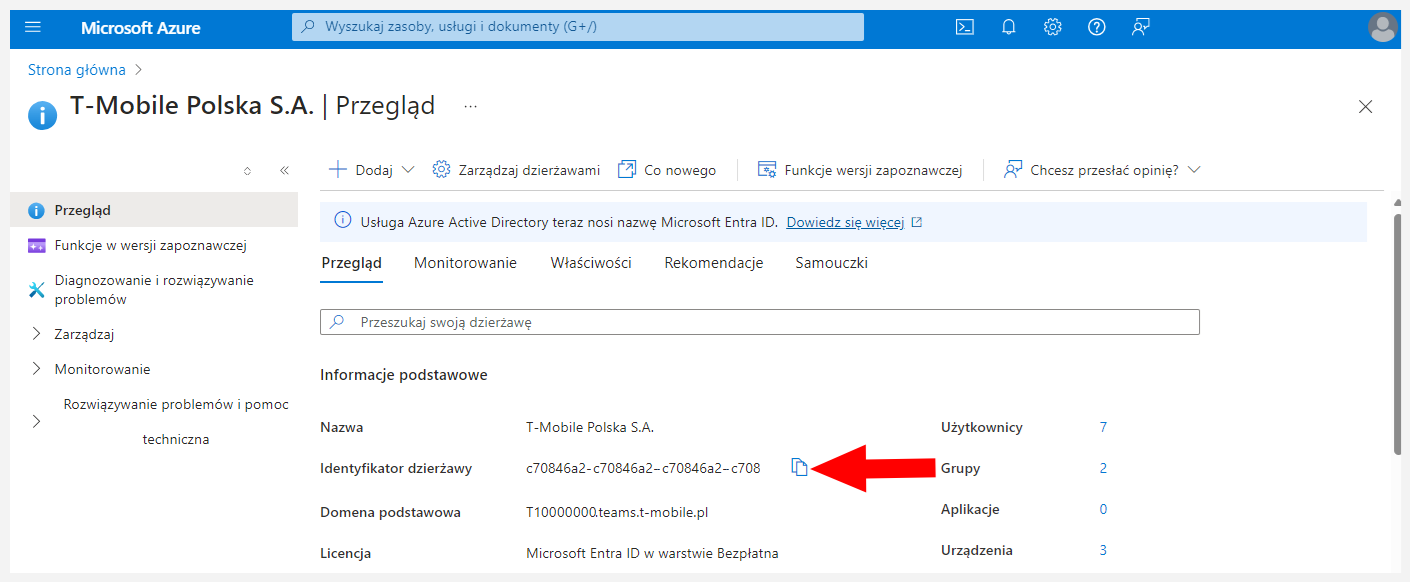
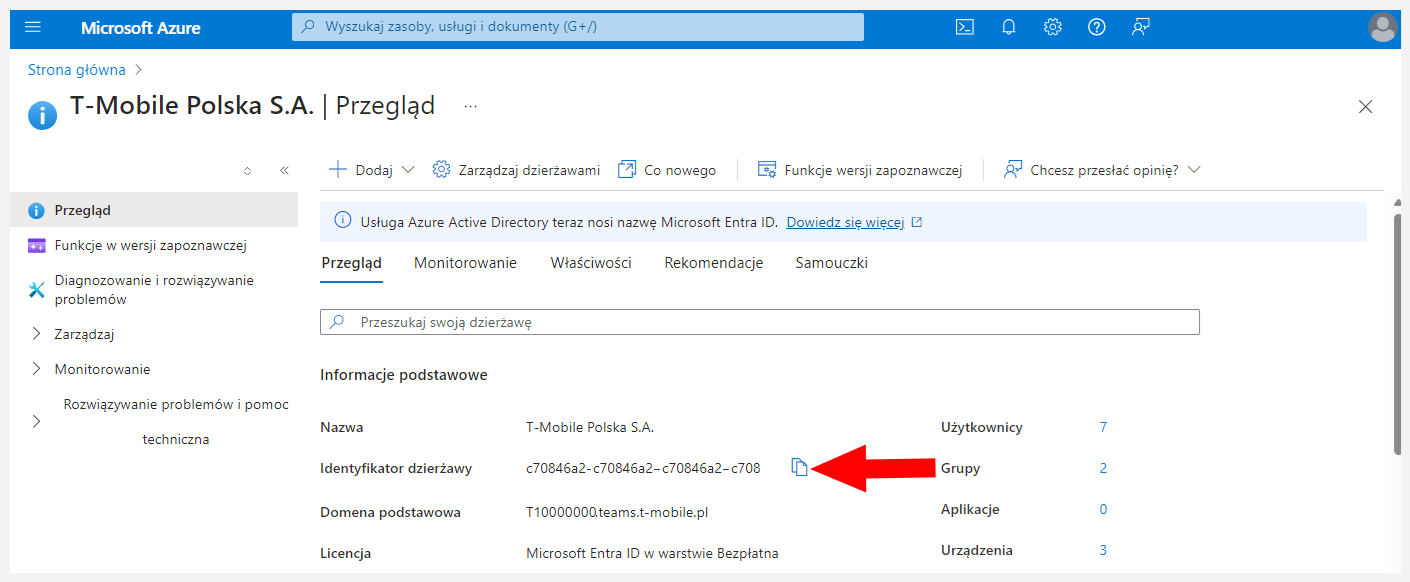
On theOverviewpage, find theTenant IDin theBasic informationsection. Use the copy icon next to the value to copy it.